Connect USB peripherals to your Nexus One (aka. N1)
- Required hardware
- Rooted Nexus One with QSD8250 SoC (my ZTE Blade and Huawei Ideos U8150 ports and kernel & modules for the Galaxy Nexus i9250; threads from others @ xda-developers for the G1/Desire/Incredible)
- USB OTG cable with Micro B plug (e.g., advantage: ID pin connected to ground for future auto detection) or Micro USB cable and adapter
- Powered USB 2.0 hub that provides its power to the upstream port (e.g.; detectable by the Nexus One being charged)
- If it doesn't: USB Dual Power Cable (e.g.), since the Nexus One doesn't provide bus power to the hub chip. Also see here.
- For mobile use: battery (e.g.) (measurements)
- Software
- Android version: 2.2.2; Kernel version: 2.6.32.9-27242-g4c0d547-dirty based on 27240-gbca5320; Build number: FRG83G
- Android version: 2.3.4; Kernel version: 2.6.35.7 based on g52630a3; Build number: GRJ22
- Download binaries…
- …or build from source (for QSD8250 SoC)
- Install kernel
- Boot from RAM (till next reset; only possible when using modules)…
- /android-sdk/platform-tools/fastboot boot arch/arm/boot/zImage
- …or write to flash
- extract ramdisk.img from your RA-passion nandroid backup …
- /getramdisk.py /boot.img
- /android-sdk/platform-tools/fastboot -b 0x20000000 flash:raw boot arch/arm/boot/zImage /ramdisk.img
- …or boot.img
- /android-sdk/platform-tools/fastboot flash boot /boot.img
- Connect the USB cable now (else no devices are detected later), start ConnectBot, enable full screen for fb access and connect to Local
- insmod drivers/usb/core/usbcore.ko
# Ignore the Unbalanced enabled for IRQ 58 stack trace for now
insmod drivers/usb/host/ehci-hcd.ko
- To substitute USB device mode functions with TCP/IP (or finish Andrew de Quincey's work or adapt USB Mode)
- adb
- setprop service.adb.tcp.port 5555
stop adbd
start adbd
- adb connect IP_address
- Filesystem access
- Nexus One's
- PC's
- insmod fs/cifs/cifs.ko
mount -t cifs -o username=username //IP_address/share /mnt/sdcard/cifs
HID input devices
USB storage
- insmod drivers/usb/storage/usb-storage.ko
# Wait for device enumeration
mount -t vfat /dev/block/sda1 /mnt/sdcard/usb-storage
Ethernet
- Turn on airplane mode and reboot
- Script to load modules, DHCP and DNS
- Google Play downloads don't work
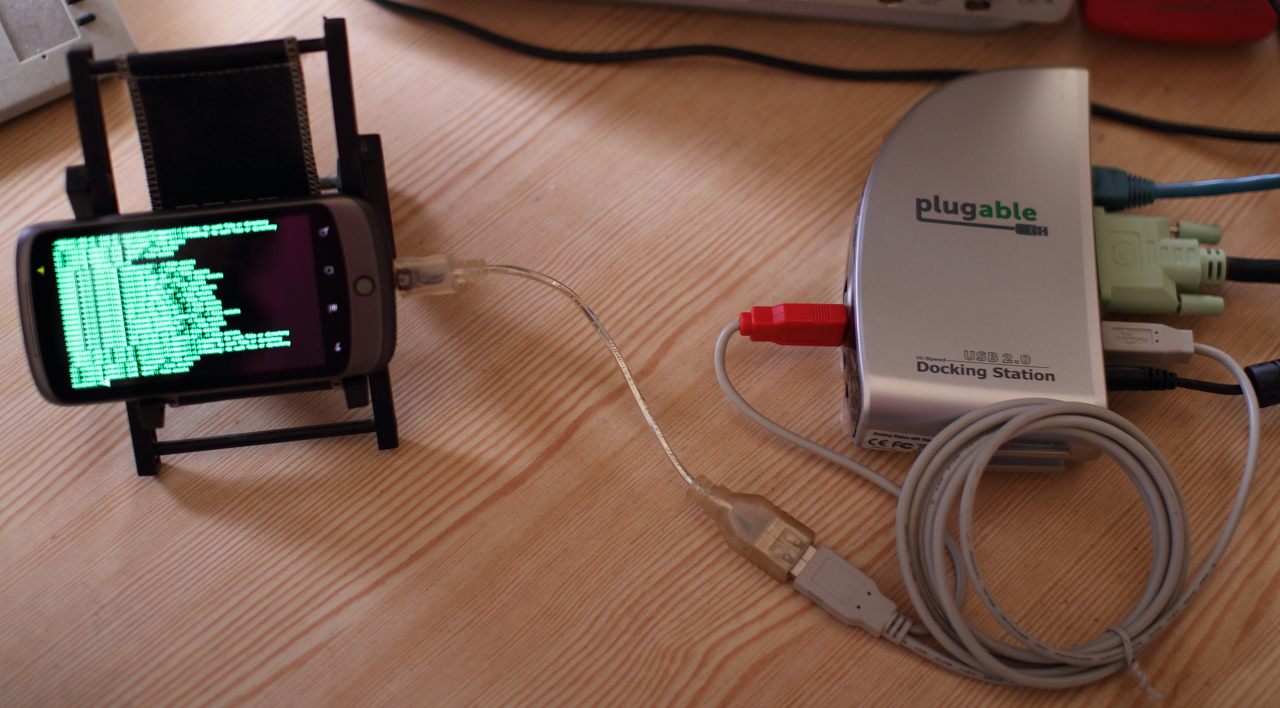
External displays
- Hardware
- Software
- SlugTerm DL
- mount -t usbfs none /proc/bus/usb
/data/local/bin/slugterm_dl-armel -k /dev/input/event8 -p 0377 -i 00cfa43c4e5573712b7152ffffeeca0640e257fffffff904b00402907e -f /mnt/sdcard/usr/local/share/fonts/FON2FNT/dosapp_18.FNT -c /system/bin/sh
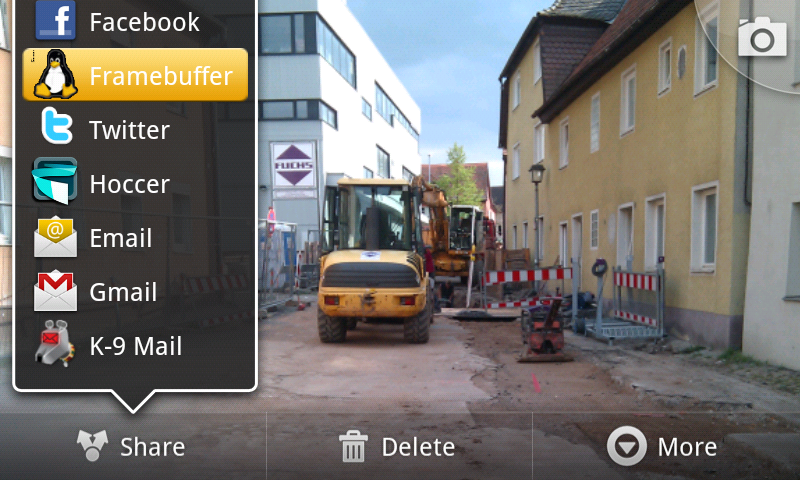
- Framebuffer
Audio/MIDI devices
- Script to load modules
- FileInput/OutputStream("/dev/snd/dsp")
Serial
- Script to load modules
- APIs
- Problem on N1: After closing and reopening /dev/ttyUSB0, no more data is received
V4L 
- insmod drivers/media/video/gspca/gspca_main.ko
insmod drivers/media/video/gspca/gspca_sonixj.ko
- motion
Thread @ xda-developers
Sven Killig 2010, 2011
 Framebuffer.apk